


Most CMS choices start simple, but soon the tools slow your team down. You lose hours waiting on approvals, fixing broken workflows, or battling sluggish site updates. Choosing the right CMS means faster publishing, stronger SEO, and a platform that grows with your business. This CMS selection guide will help you cut through the noise and pick a system that keeps your team moving forward without the usual roadblocks.
Selecting the Right CMS
Choosing a CMS involves checking off several key criteria to ensure it aligns with your goals. Understanding these elements will guide you in making a choice that enhances productivity and growth.
Key Criteria for CMS Selection
When selecting a CMS, consider the ease of use and the flexibility it provides. Look for a system that supports your content types and integrates well with existing tools. Scalability is crucial, too. You want a CMS that grows with your business. Consider cost, security features, and user support. These factors will help you decide which platform delivers the best value for your needs.
SEO-Friendly CMS Options
An SEO-friendly CMS is vital for your site’s visibility. It should offer customizable URLs, meta tags, and headers. Options like WordPress and Webflow are popular for their strong SEO capabilities. They allow for easy optimization of content and images, crucial for ranking well. Look for built-in tools or plugins that support SEO best practices, ensuring your site stays competitive.
Role-Based Permissions and Workflows
To streamline content creation, a CMS with role-based permissions is essential. It lets you assign specific tasks to team members, ensuring a smooth workflow. This feature helps avoid bottlenecks and errors in content updates. With clear permissions, everyone knows their responsibilities, which speeds up the publishing process and maintains quality control.
Headless CMS and Traditional Choices

Understanding the differences between headless and traditional CMS options helps you choose the best fit. This section reveals the strengths and weaknesses of popular platforms, aiding your decision.
WordPress vs Webflow: Pros and Cons
WordPress is known for its extensive plugin ecosystem, offering flexibility and customization. It’s ideal for blogs and complex sites needing diverse functionality. However, managing plugins can become cumbersome. Webflow simplifies design with a visual builder, making it user-friendly for non-developers. While it may lack some WordPress flexibility, it excels in clean, responsive design. Content updates are intuitive, perfect for teams aiming for efficiency.
Exploring Headless CMS: Contentful, Sanity, Strapi
Headless CMS options like Contentful, Sanity, and Strapi offer powerful tools for developers. They separate content management from presentation, providing flexibility in how content is delivered. Contentful is known for its robust API and ease of integration. Sanity offers real-time collaboration, ideal for teams. Strapi is open-source, giving developers full control over customization. These platforms are perfect for businesses seeking a future-proof solution.
Benefits of Jamstack Architecture
Jamstack architecture enhances performance and security by serving static files, reducing server load. It’s highly scalable, ensuring quick load times even with high traffic. This approach integrates seamlessly with headless CMS, optimizing site performance. With Jamstack, you benefit from faster rendering and improved user experience, crucial for retaining site visitors.
Ensuring Performance and Scalability
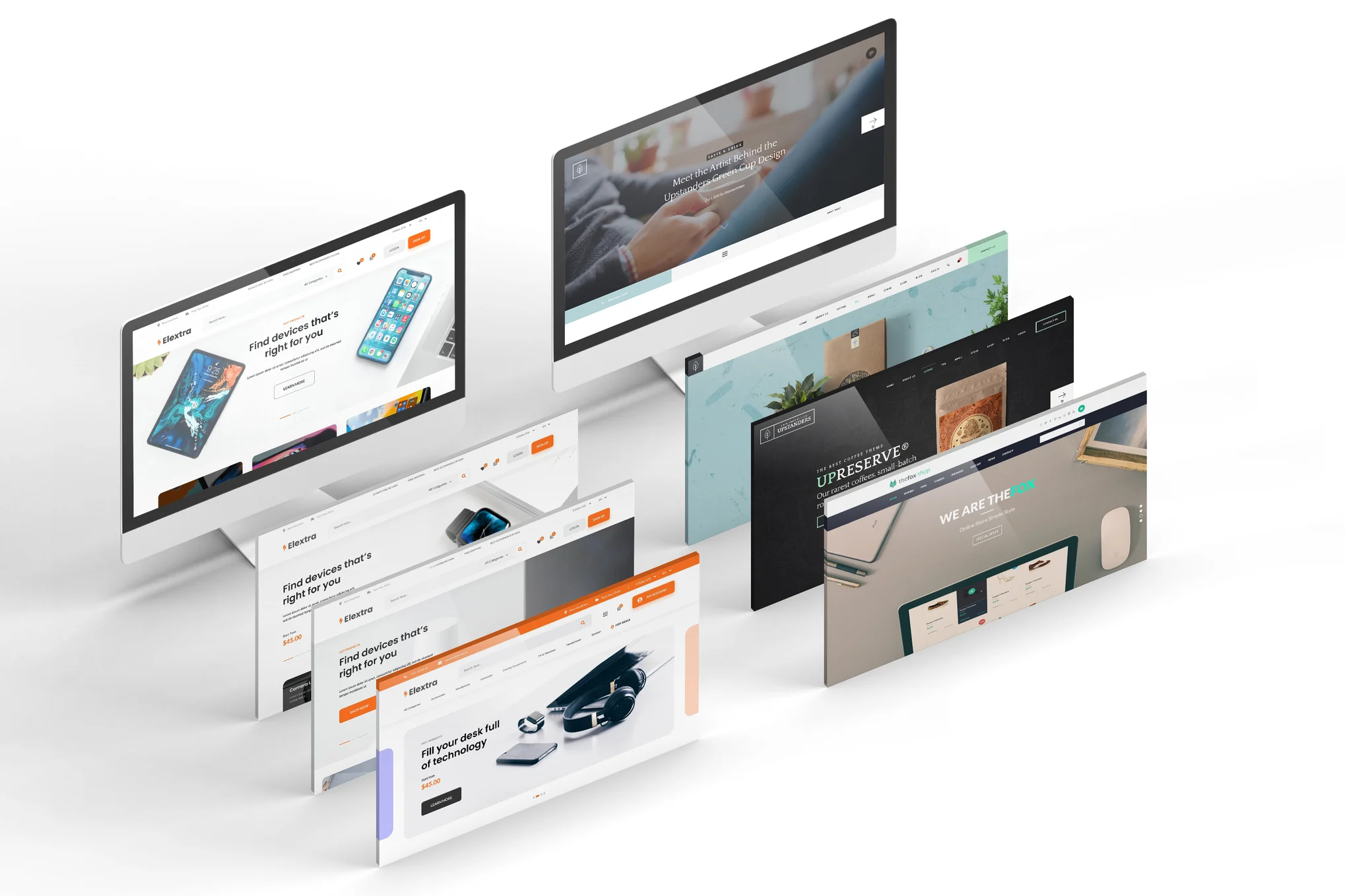
Performance and scalability are key to maintaining a high-functioning website. Here’s how to ensure your site keeps up with growing demands.
Optimizing Site Performance and Core Web Vitals
Site performance impacts user experience and SEO. Focus on optimizing Core Web Vitals, which measure loading speed, interactivity, and visual stability. Tools like Google PageSpeed Insights can identify areas for improvement. Reducing image sizes and leveraging browser caching are simple ways to enhance performance. A fast site keeps users engaged and ranks better in search results.
CMS Migration and Content Governance
Migrating to a new CMS requires careful planning to avoid disruptions. Evaluate your current content, decide what to keep, and streamline workflows. Content governance ensures consistency and quality across your site. Set standards for content creation and updates, ensuring all team members follow best practices. A well-planned migration minimizes downtime and maximizes efficiency.
Custom Web Development in Ogden with SolidifyWeb
For businesses in Ogden, custom web development by SolidifyWeb offers tailored solutions to meet unique needs. Their expertise ensures your website is robust and scalable, supporting long-term growth. SolidifyWeb provides comprehensive services, from initial design to ongoing maintenance. By choosing them, you’re opting for a partner dedicated to your success, ensuring your digital presence remains strong and effective.
Frequently Asked Questions
What is the best CMS for small businesses?
For small businesses, WordPress is a great choice due to its flexibility and extensive plugin options. It supports various content types and is cost-effective, making it ideal for businesses with limited budgets.
How does a headless CMS differ from a traditional CMS?
A headless CMS separates content management from presentation. Unlike traditional CMS, it delivers content via APIs, allowing more flexibility in how content is displayed across different platforms and devices.
Why is site performance important for SEO?
Site performance affects user experience and search rankings. Fast-loading sites decrease bounce rates and improve user engagement, signaling to search engines that your content is valuable, thus boosting SEO.
How can I ensure a smooth CMS migration?
Plan your migration by auditing current content, setting goals, and training your team on the new CMS. Use a staging environment to test changes before going live, ensuring a seamless transition without disruptions.
What role does custom web development play in business growth?
Custom web development provides tailored solutions that align with your business goals. It ensures your website is optimized for performance, scalability, and user experience, all key factors in driving business growth.
Let’s take care of your website today

Leave a Reply